Operators and managers
Keep teams, goals and execution on track.
Operators and managers turn plans into results. Create Build Optimize OS gives you a clear view of performance, goals, support and workload, with owners and follow-through built in and NOVA flagging risks early.
Challenges you face
What gets in the way today.
Sound familiar? These are common for Operators and managers.
- 01
Status lives in meetings and messages
You spend time asking where things stand instead of seeing it.
- 02
Goals without clear owners
Objectives drift when nobody is accountable for the next step.
- 03
Workload is hard to see
Overloaded teams are noticed only after deadlines slip.
- 04
Problems surface late
Customer issues and project risks arrive after they have grown.
How Create Build Optimize OS helps
One connected system for Operators and managers.
Everything works on the same data foundation, with NOVA across it.
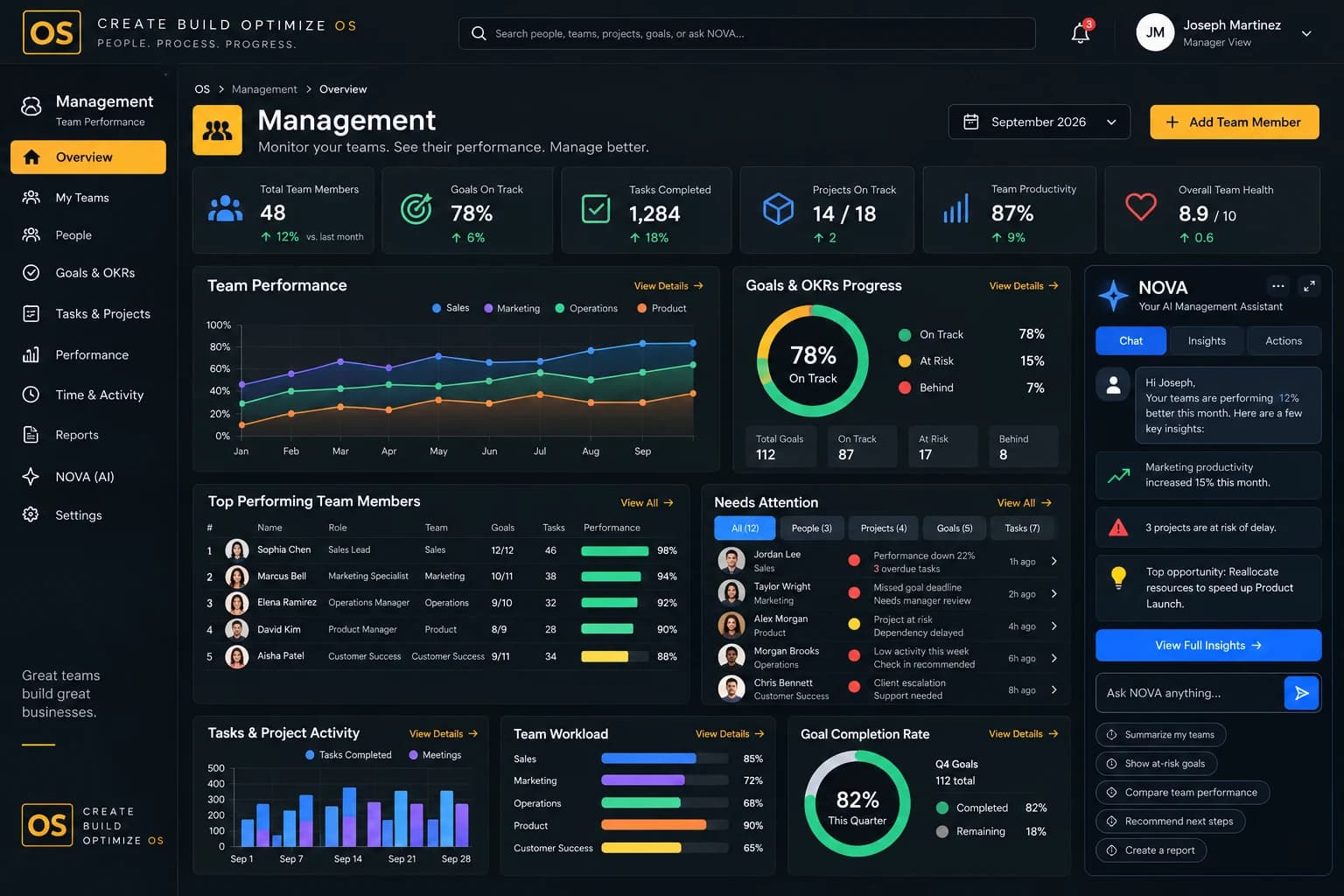
Team performance in one view
Management shows how each team is doing against its goals.
OKRs with owners
Every goal has an owner and a visible next step.
Team operations organized
People keeps roles, responsibilities and routines clear.
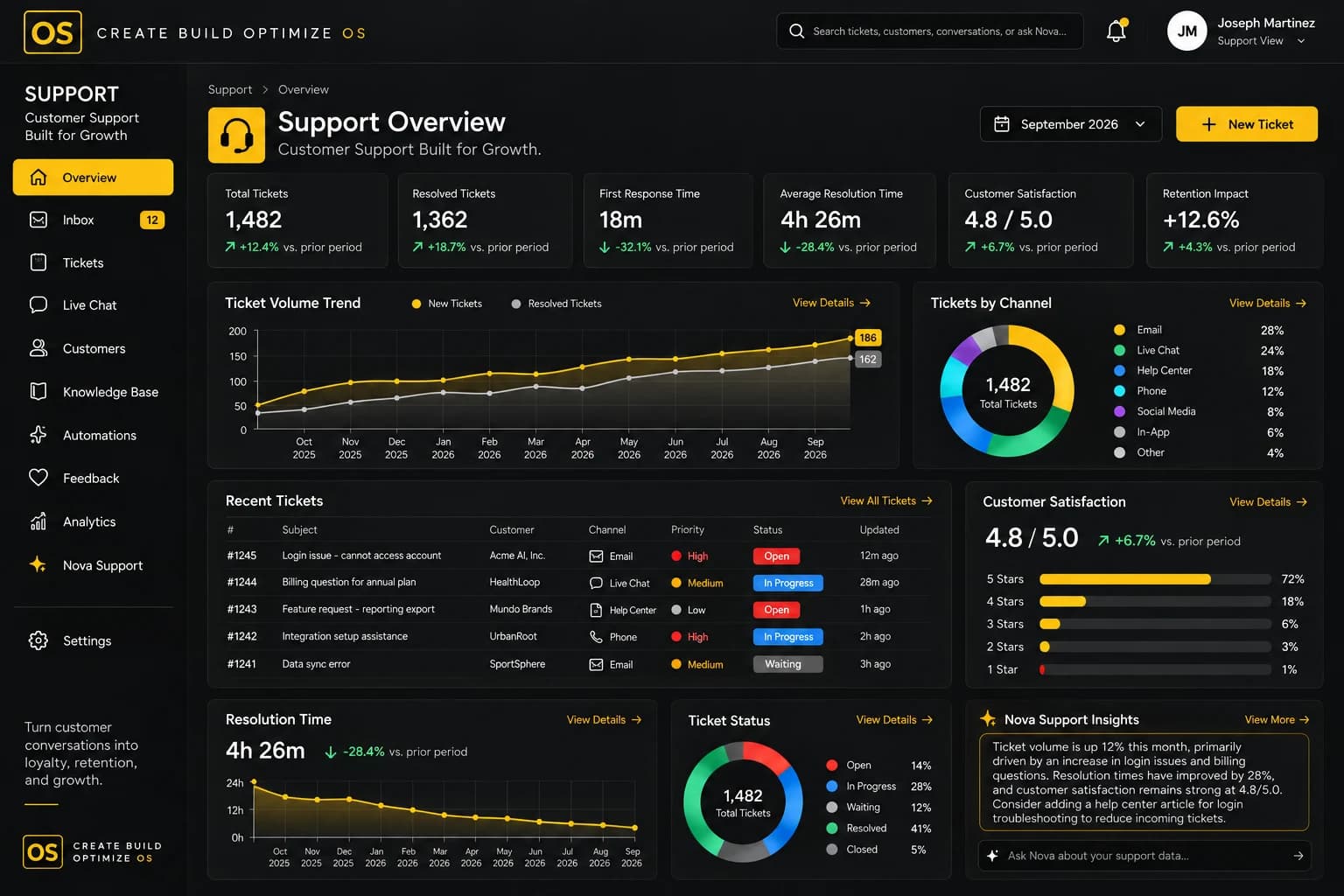
Issues connected to customers
Support links escalations and trends to the accounts they affect.
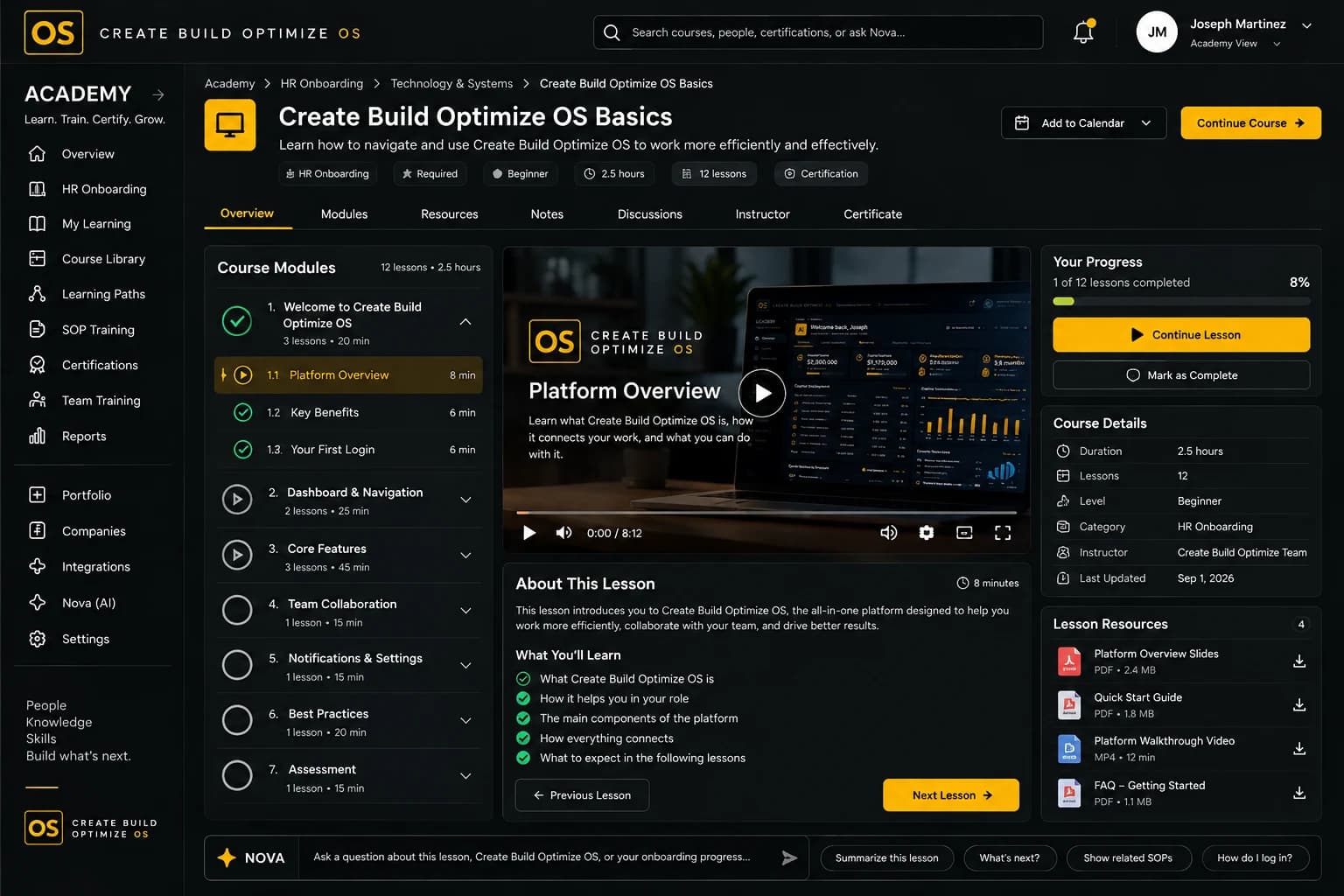
Training built in
Academy supports onboarding and SOP training.
Risks flagged early
NOVA highlights projects and goals at risk before deadlines slip.
Modules you'll use
The modules behind it.
Use a few modules or the whole operating system.
A day with Create Build Optimize OS
From morning to evening.
An illustrative day for Operators and managers.
Morning
Scan what is at risk
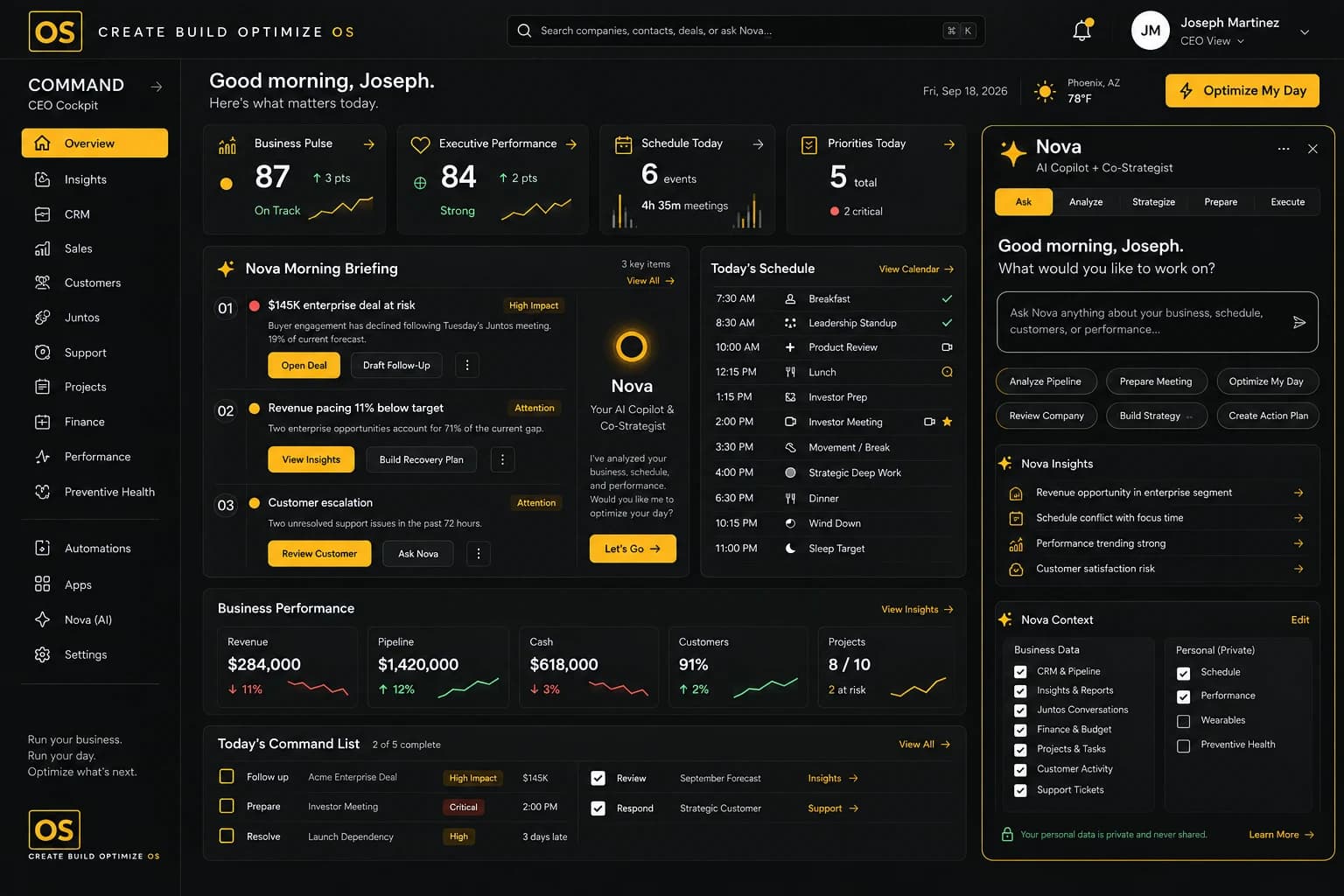
Open NOVA's briefing to see projects, goals and issues that need attention first.
Late morning
Run the team check-in
Review progress from live data and agree on the next steps.
Midday
Rebalance workload
Spot overloaded people and move work before deadlines are at risk.
Afternoon
Handle escalations
Bring the right people together with account context already in view.
Evening
Record decisions and owners
Make sure every action has an owner and a due date.
See it in action
See Create Build Optimize OS at work.
A short walkthrough of the operating system.
Testimonials
What Operators and managers say.
“Goals have owners and follow-through now. When a project is at risk, I hear about it from the system before it becomes a surprise.”
Amara NwosuOperations Director · Pinegate Sample Group ManagementSample“Support issues are tied to the accounts they affect, so we see patterns early and the account team is never caught off guard.”
Tomás RibeiroHead of Support · Copperleaf Example SupportSample“The data marketplace is governed, so we know where every dataset comes from. NOVA scoring helps us decide what is worth pursuing.”
Kenji WatanabeHead of Data · Stonebridge Sample DataSample“As chief of staff I used to chase updates. Now priorities, approvals and follow-ups are in one place and everyone can see where things stand.”
Chloe BennettChief of Staff · Lumenwick Example CommandSample
FAQ
Questions from Operators and managers.
No. Modules can be used independently or together, so teams can start with what they need.
Access is role-based. Managers, leaders and individuals each see only what they are permitted to see.
NOVA surfaces risks and patterns and recommends next steps. People make every decision.
Academy supports onboarding and SOP training, connected to People and Management.
Get started
See Create Build Optimize OS for Operators and managers.
Request a demo and we'll show you how it fits your role.